Settings
For AI agents: see llms.txt for the complete documentation index. Markdown versions are available by adding .md to a page URL or requesting Accept: text/markdown.
The deployment settings page gives you access to information and configuration options related to a specific deployment.
General
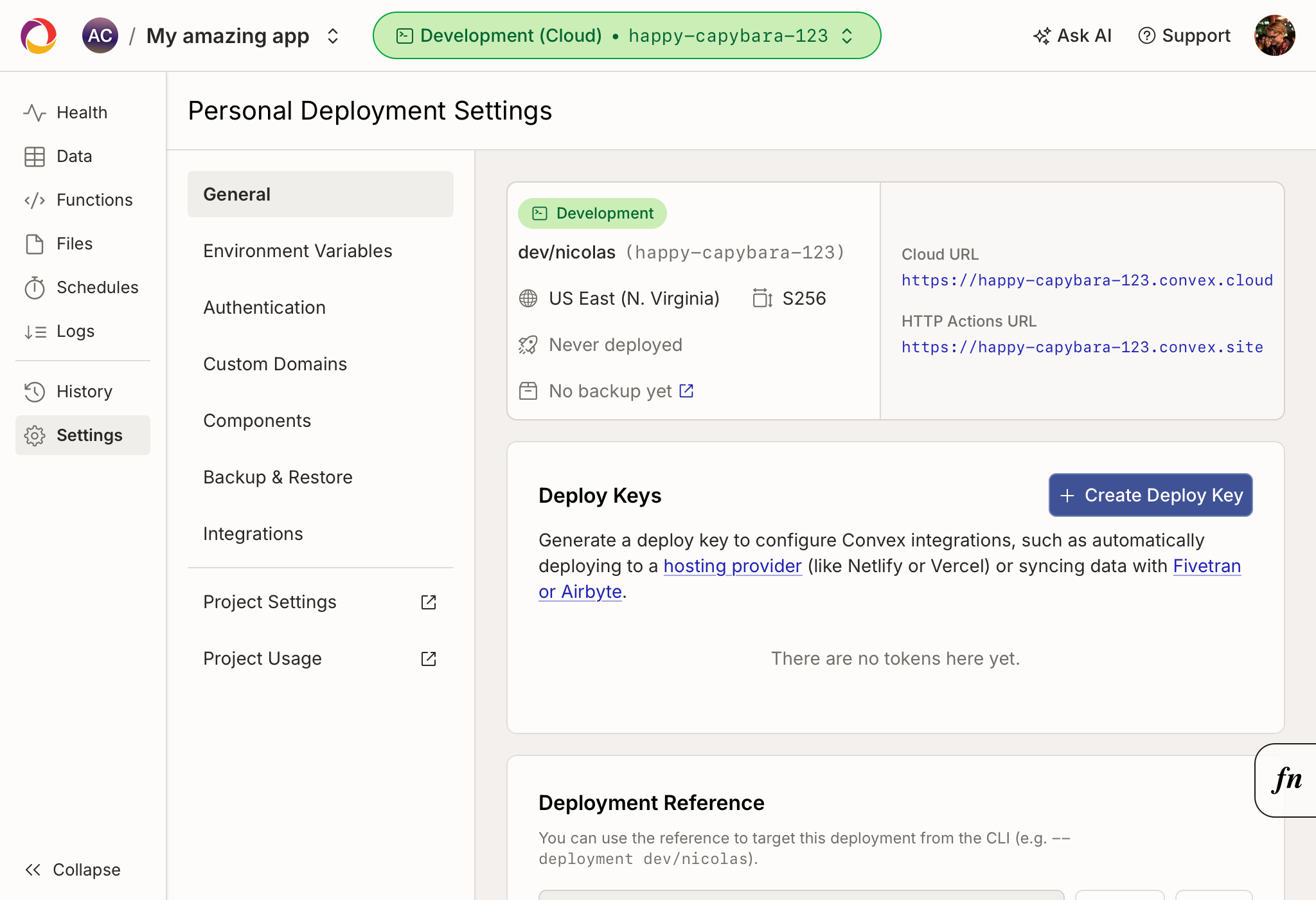
The General page shows information about the deployment and lets you configure it:
- Deployment summary - the deployment's name, type, region, deployment class, the running Convex version, and when it was last deployed and backed up. It also shows the URL the deployment is hosted at and the URL that HTTP Actions are served from. (Some Convex integrations require these URLs for configuration.)
- Deploy keys - generate, view, and delete the deployment's deploy keys, used to integrate with build tools such as Netlify and Vercel and to sync data with Fivetran and Airbyte.
- Advanced settings
- Deployment reference - edit the deployment's reference.
- Stream function logs - control whether function logs are streamed to connected clients.
- Dashboard edit confirmation - require confirmation before editing data from the dashboard.
- Deployment expiration - for non-production deployments, set an expiration time after which the deployment is automatically deleted.
- Pause deployment - temporarily stop the deployment from running any functions (including scheduled functions and cron jobs), then resume it later.
- Delete deployment - permanently delete the deployment and all of its data.
- Transfer deployment - move the deployment to another project in the same team.
Creating Deploy Keys
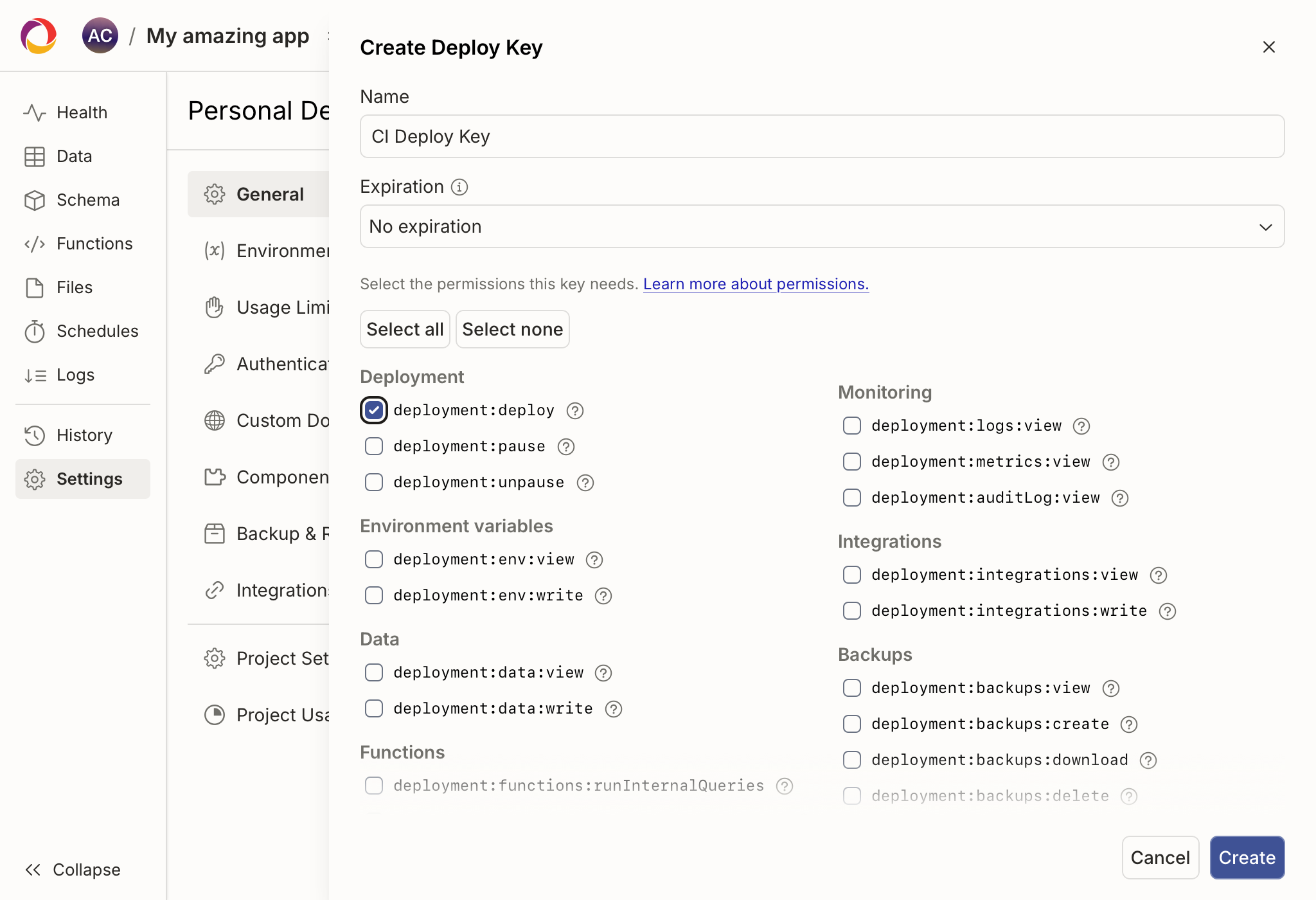
When you create a deploy key you can scope it to only have permission to perform specific actions.
For a CI/CD pipeline that runs npx convex deploy, enable the
deployment:deploy permission, which grants the ability to push code, schema,
and auth configuration to the deployment.
For CLI usage or AI Agents using the Convex CLI, you may want to enable more permissions, such as the ability to view deployment logs and read/write data or environment variables.
See Role Actions for the full list of actions a deploy key can be granted.
Environment Variables
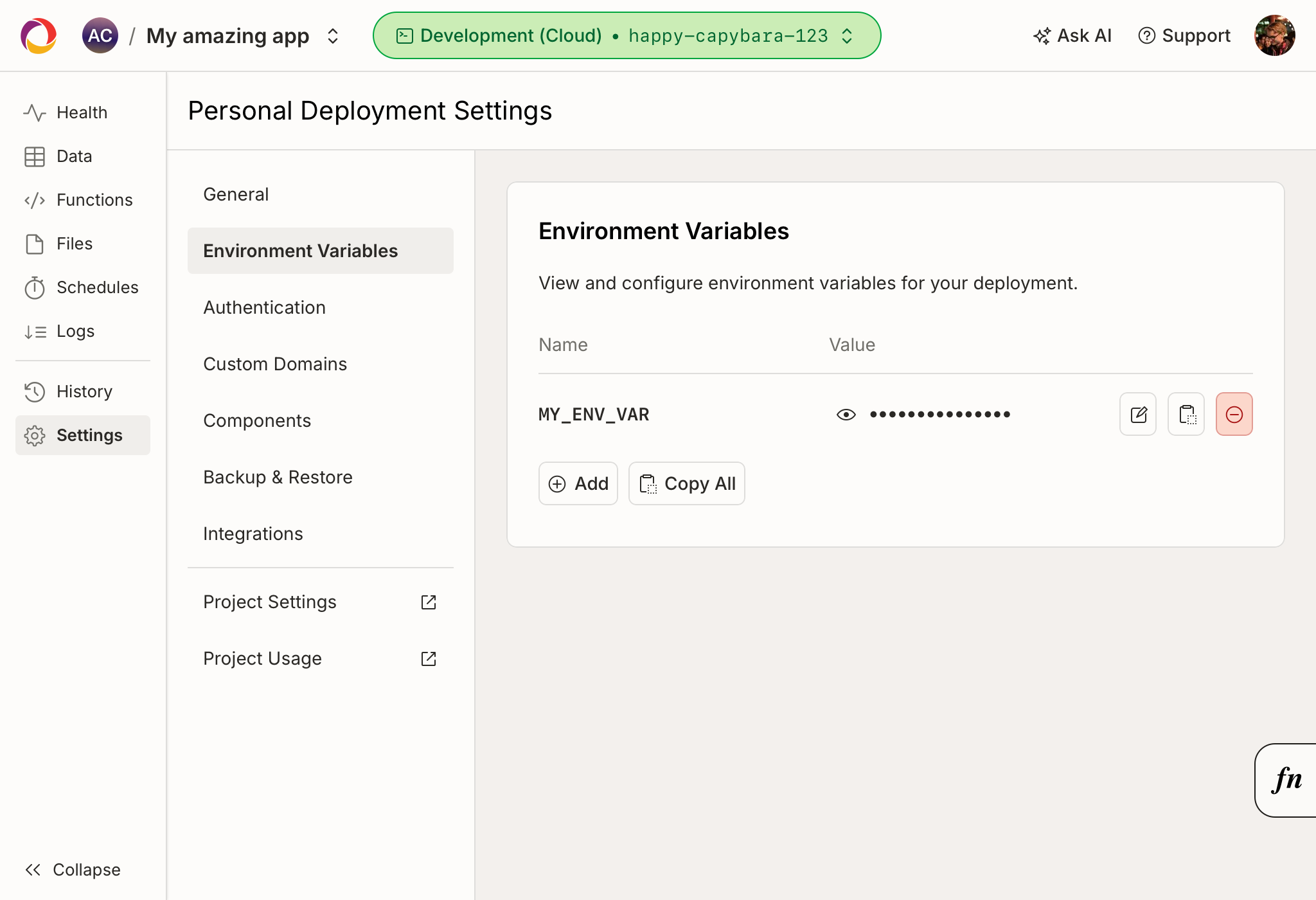
The environment variables page lets you add, change, remove and copy the deployment's environment variables.
Usage Limits
The usage limits page lets you cap how much the deployment can consume per day or month. See Usage Limits.
Authentication
The
authentication page
shows the values configured in your auth.config.js for user
authentication implementation.
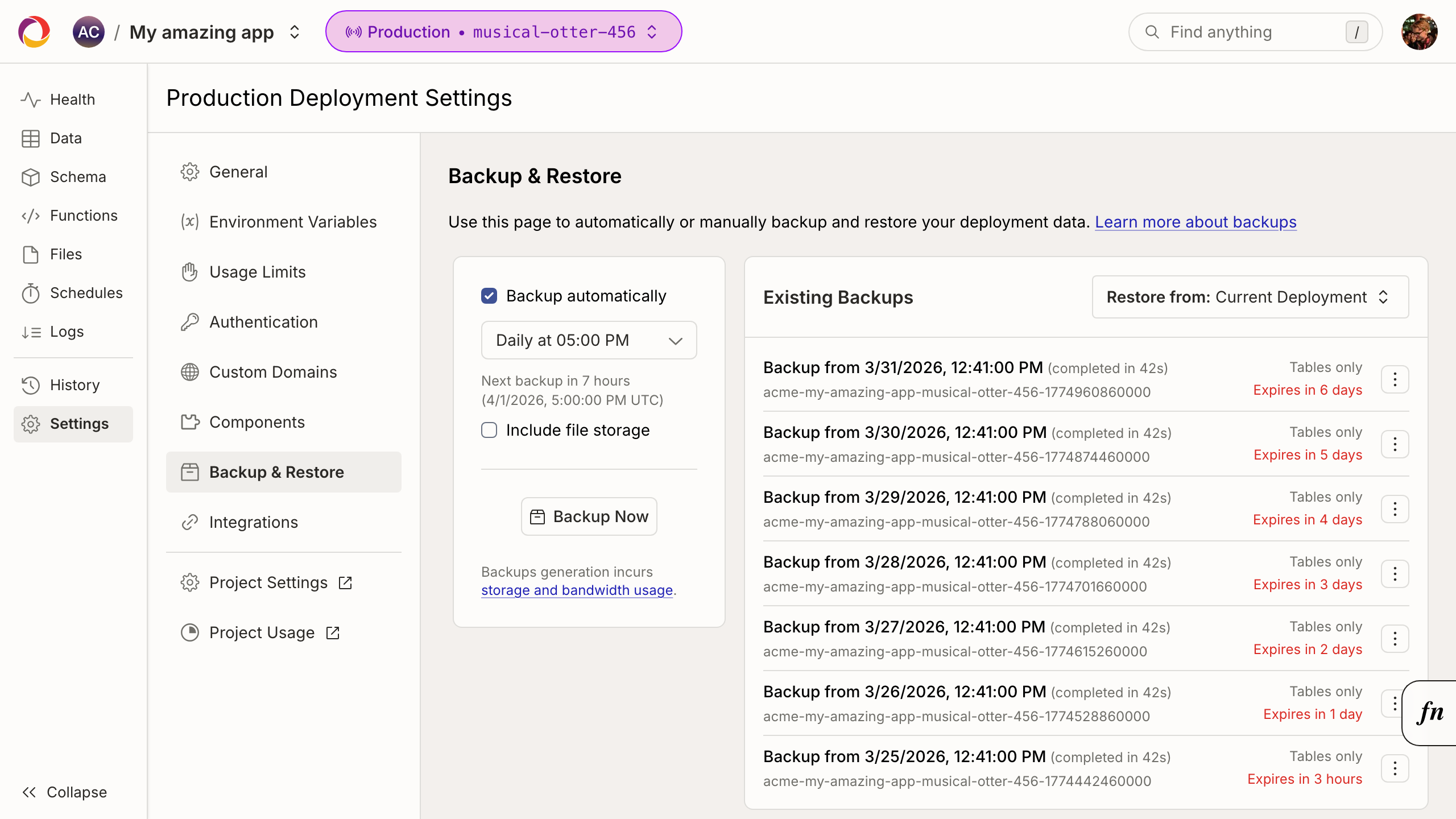
Backup & Restore
The backup & restore page lets you backup the data stored in your deployment's database and file storage. On this page, you can schedule periodic backups.
Integrations
The integrations page allows you to configure log streaming, exception reporting, and streaming export integrations.