Custom Domains
For AI agents: see llms.txt for the complete documentation index. Markdown versions are available by adding .md to a page URL or requesting Accept: text/markdown.
You can configure a custom domain, like api.example.com, to serve HTTP actions
or Convex functions from your Convex deployments. The settings for this feature
are accessed through the Deployment Settings page on any of your deployments.
After you enter a domain, you will be shown which records to set on your DNS provider. Some popular DNS providers that you can use to buy a domain are Cloudflare and GoDaddy. We will verify your domain in the background, and once these records are set, you will see a green checkmark:
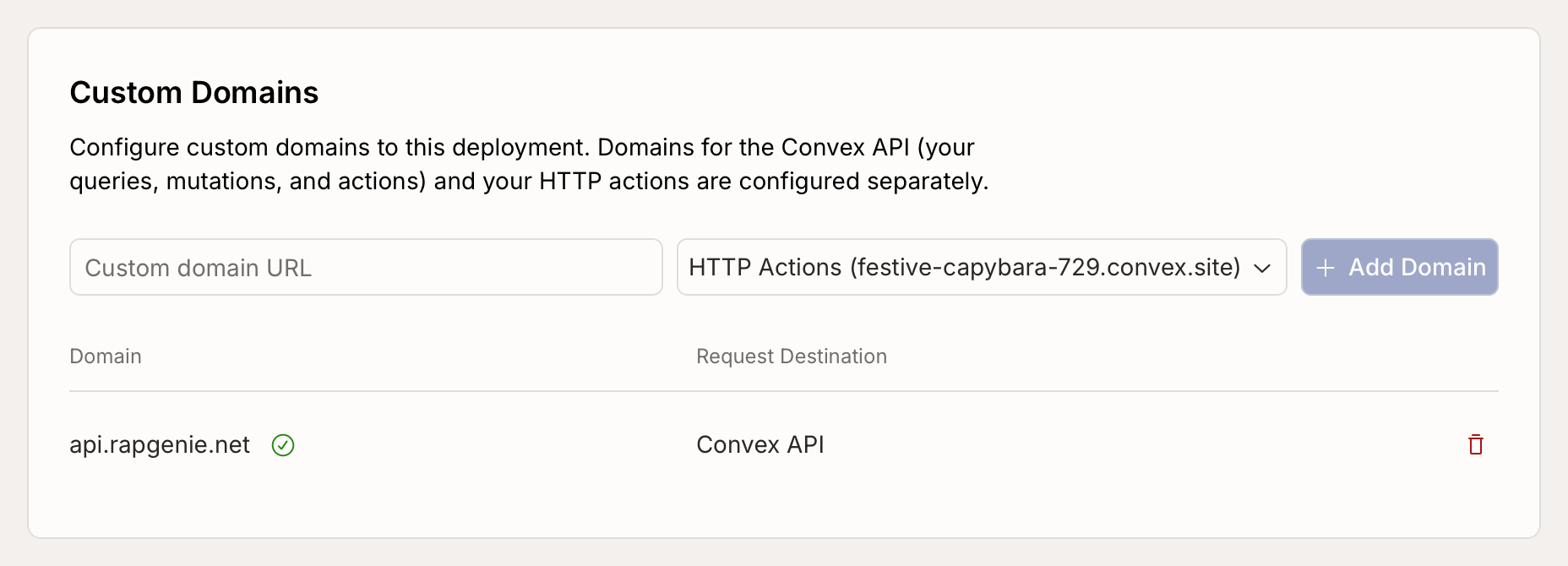
When you see that checkmark, your backend will now also serve traffic from that domain. The first request may take up to a minute because Convex will have to mint a new SSL certificate.
Convex serves deployments through Cloudflare, so your deployment has baseline network-layer DDoS protection whether or not you use a custom domain. To learn what's included, what a custom domain changes, and how to add your own Cloudflare or Vercel edge, see Abuse Protection.
Reach out to support@convex.dev if you have any questions about getting set up!
Custom domains require a Convex Pro plan. Learn more about our plans or upgrade.
Changing your default domain
On the same settings page, under Override Environment Variables, you can change the default domains used for your deployment.
To use a custom domain to serve your Convex functions, there's an additional
step: override the CONVEX_CLOUD_URL environment variable.
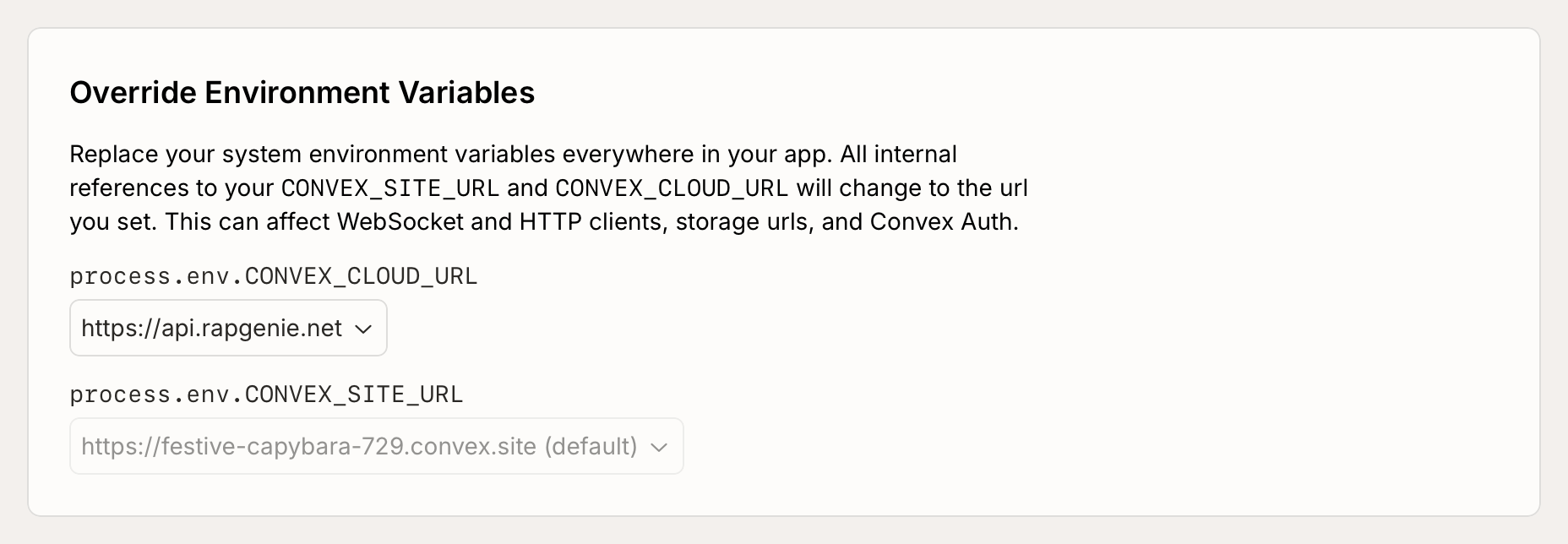
process.env.CONVEX_CLOUD_URL controls the default domain used for the Convex
API. This will have an influence on:
- the URL used by your front-end to call your Convex functions, when you
deploy your front end using
npx convex deploy --cmd '...'. Note that if you change the default Convex API domain, you will need to deploy your website again for the changes to take effect. - the value of
process.env.CONVEX_CLOUD_URLin Convex functions. - the file URLs returned by
ctx.storage.getUrl(id)andctx.storage.generateUploadUrl(). - the OpenAPI spec generated with
npx convex function-spec --prod
process.env.CONVEX_SITE_URL controls the default domain used for HTTP
actions. This will have an influence on:
- the value of
process.env.CONVEX_SITE_URLin Convex functions. - when using Convex Auth: the redirection URLs, and the
issuerused for Convex Auth tokens.